ZUSMPP Manual – Invoices
Location: Main Menu → Invoices
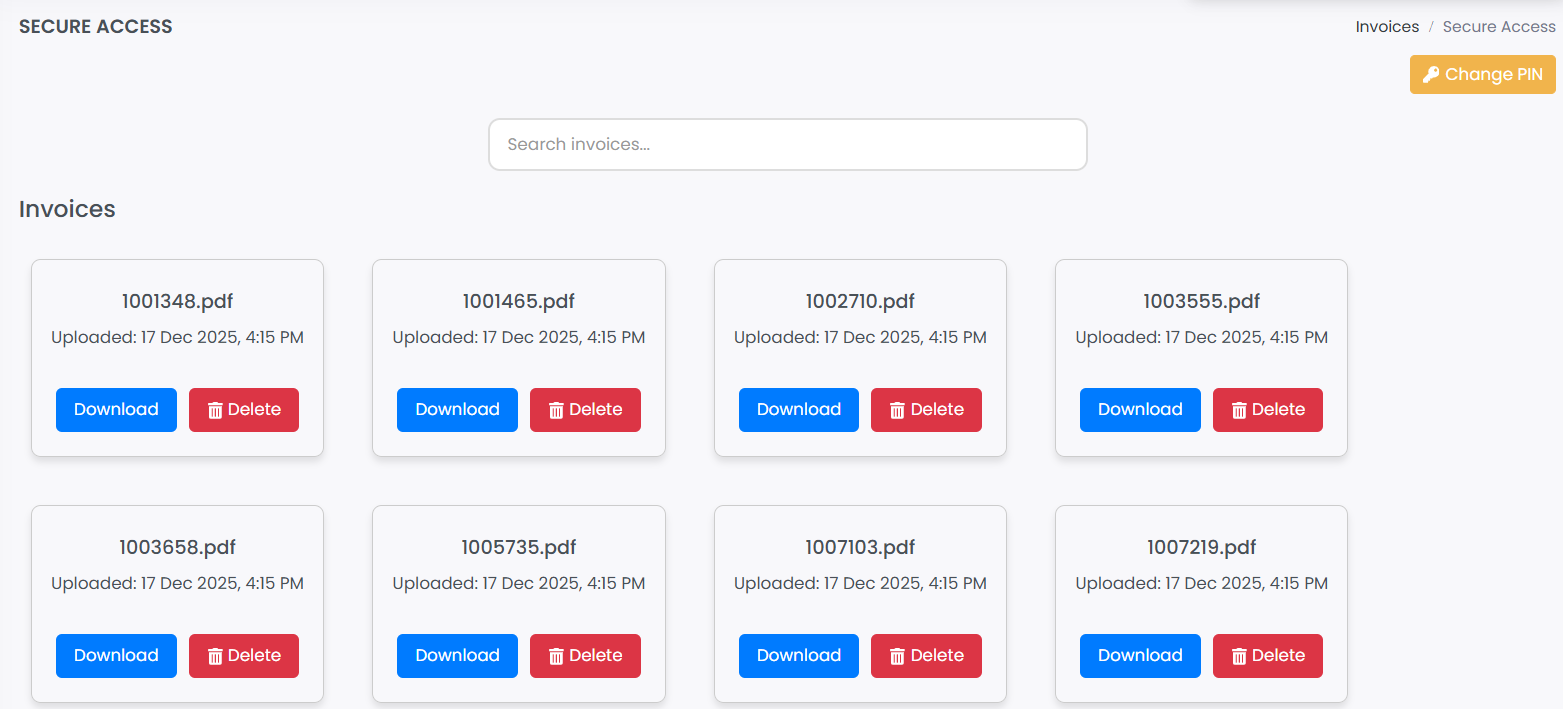
A PIN-protected section to access generated invoices.
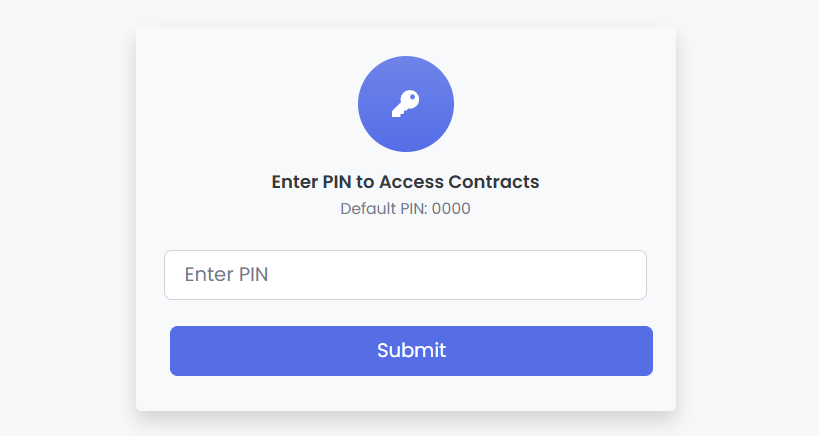
1. Secure PIN Entry
· Enter the secure PIN on the initial screen to access the invoices.
2. Invoice Management
· After entering the PIN, view a list of all generated invoices.
· Use the search bar to find specific invoices.
· Select the Change PIN option to update your security code.